
KIOSK PRINTER INTEGRATION
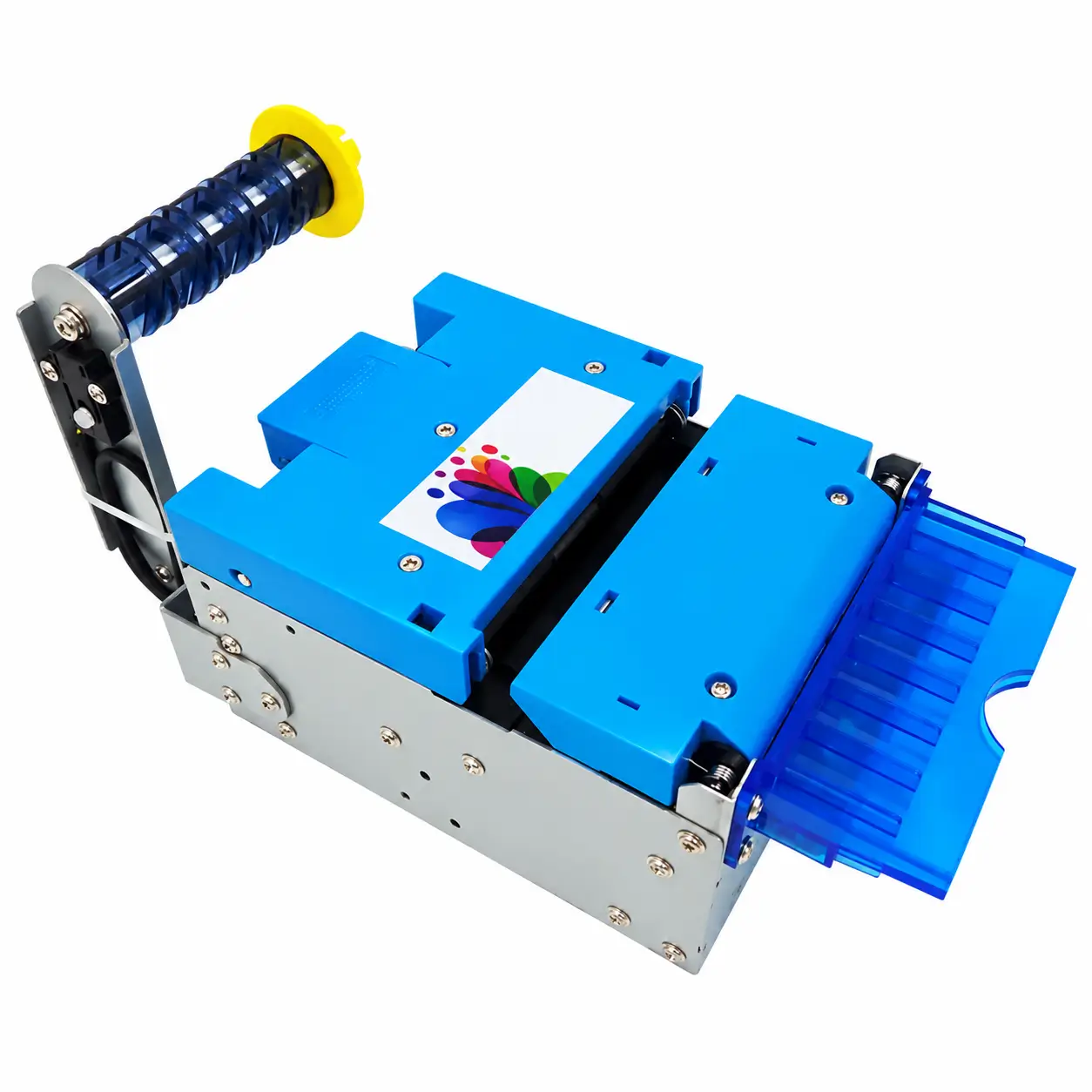
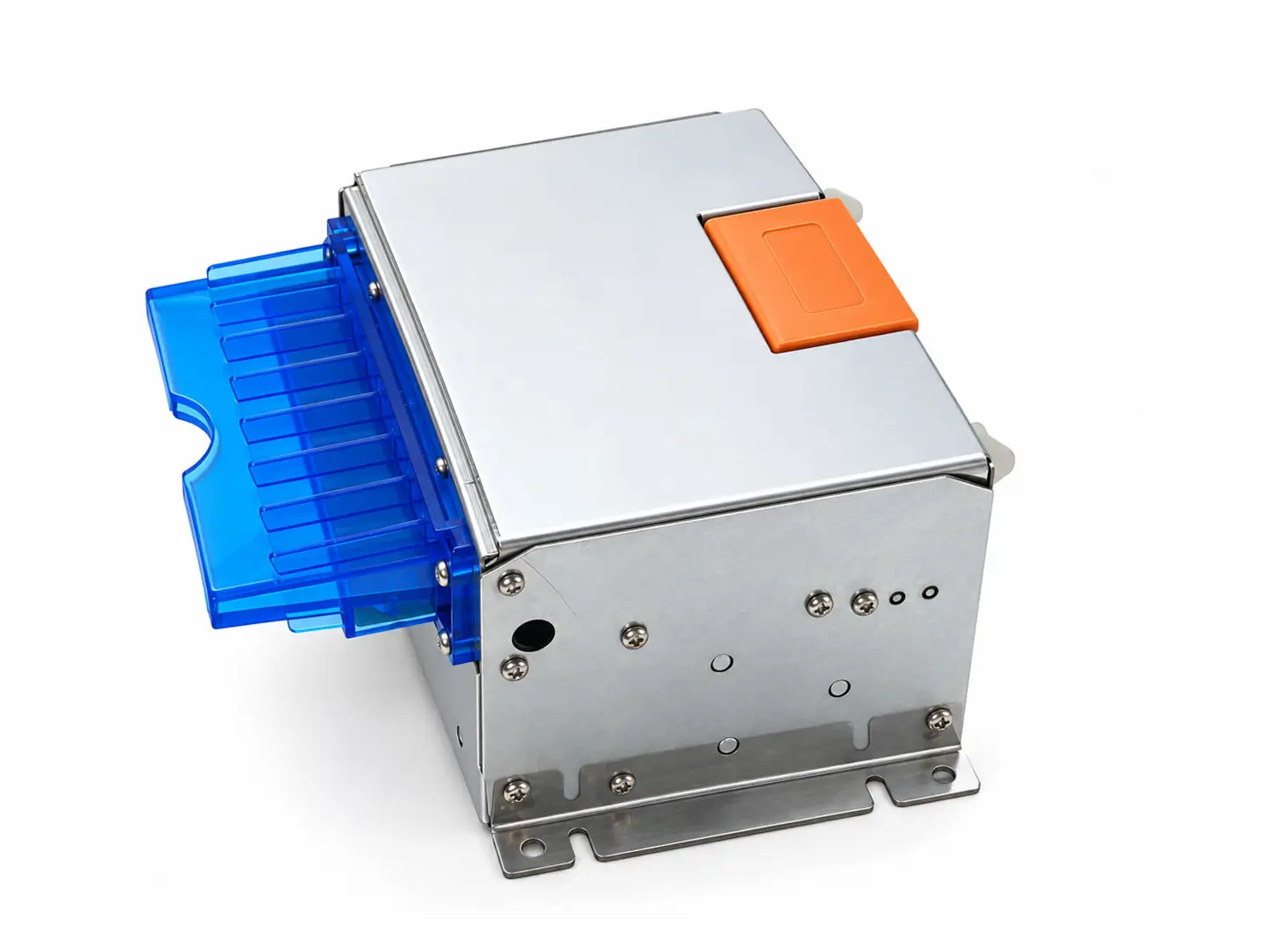
SNR-KP802-VX 80mm Kiosk Thermal Printer with Presenter
The SNR-KP802-VX kiosk printer is an 80mm thermal printer module with an integrated presenter and retract function, designed for self-service kiosks that require controlled receipt or ticket delivery. It combines high-speed printing, automatic cutting, ticket presentation and status feedback for integration with unattended kiosk applications.
- Paper Width – 79.5 ±0.5 / 82.0 ±0.5mm
- Paper Thickness – 0.06–0.20mm
- Paper Roll – Up to Ø160mm Horizontal / Ø200mm Vertical
- Print Speed – Up to 250mm/s
- Paper Handling – Presenter & Retract
- Interfaces – RS232C / USB 2.0
- Automatic Cutter – Full / Partial Cut
SDK/API · Communication Protocol · Test Tools · 3D Drawings Available
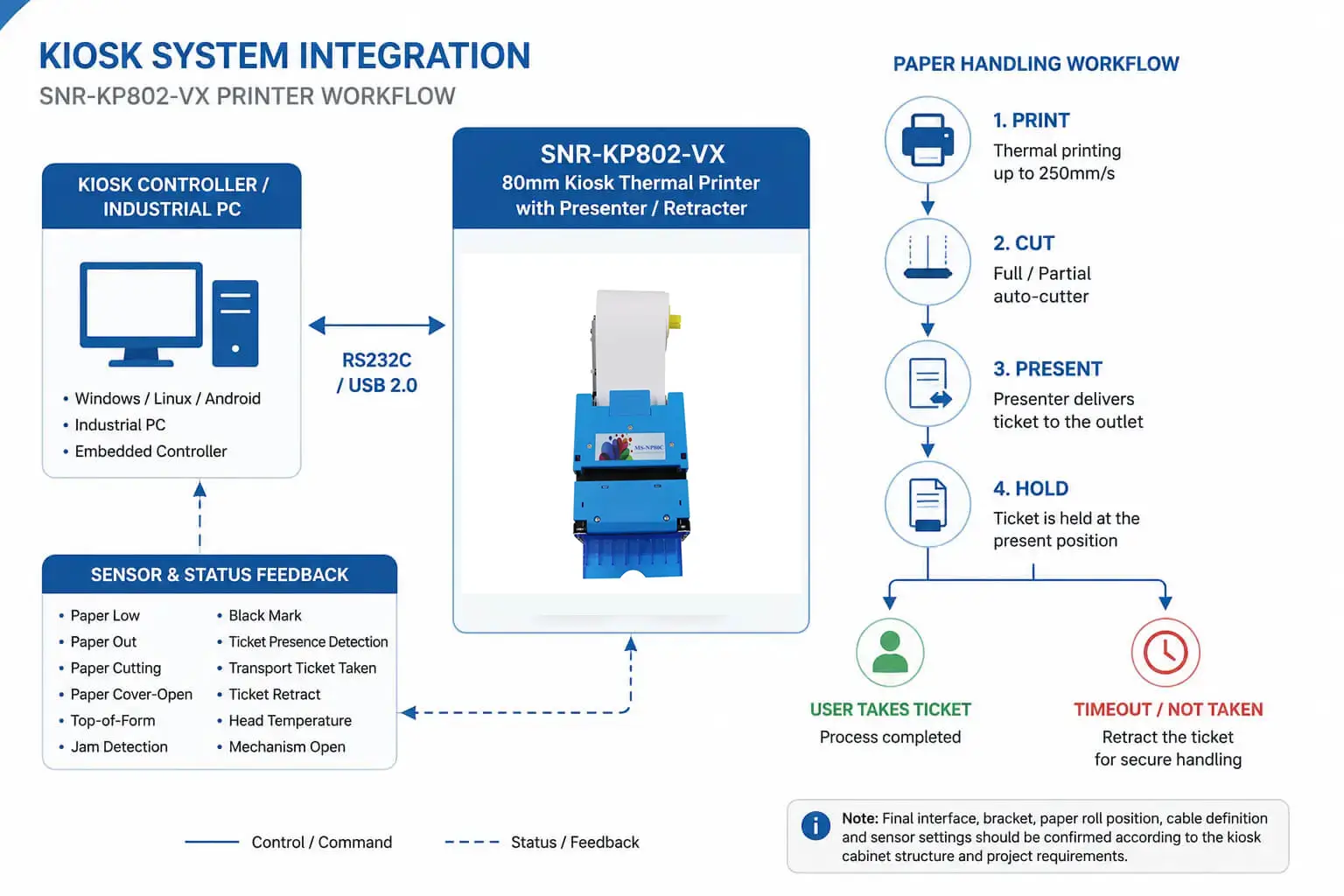
PAPER HANDLING WORKFLOW
Controlled Ticket Delivery with Presenter & Retract
The SNR-KP802-VX manages the complete document-delivery sequence inside the kiosk instead of simply printing paper toward the front opening. Printing, cutting, presentation and uncollected-ticket handling can be coordinated as part of the kiosk transaction workflow.
01 High-Speed Thermal Printing
Print receipts and tickets at speeds up to 250mm/s with 203 DPI thermal resolution for transaction, ticketing and self-service applications.
02 Automatic Cutting
After printing is completed, the integrated cutter performs full or partial cutting according to the required receipt or ticket workflow.
03 Controlled Presentation
After printing and cutting are completed, the presenter moves the finished receipt or ticket to the user collection position and holds it there for pickup.
04 Uncollected Ticket Retract
If the presented document is not collected within the workflow defined by the kiosk application, the retract function can pull it away from the user outlet for controlled handling.
PRESENTER WORKFLOW
How the Presenter Fits into the Kiosk Transaction
A presenter printer separates document printing from final user delivery. The receipt or ticket can remain controlled by the printer until printing and cutting have been completed, after which it is moved to the external collection position.
01 Print
Print The kiosk application sends the receipt or ticket data and the printer completes thermal printing.
02 Cut
Cut The completed document is cut according to the configured full-cut or partial-cut workflow.
03 Present & Hold
Present & Hold The presenter moves the finished document to the collection position and holds it there for the user.
04 Detect or Retract
Detect or Retract If the ticket is taken, the transaction can be completed. If it remains uncollected, supported status feedback and the retract function can be used as part of the kiosk workflow to remove the document from the user outlet.
PRINTER SELECTION
When Should You Choose KP802-VX Instead of a Direct-Output Printer?
Choose the SNR-KP802-VX when the kiosk requires the completed receipt or ticket to remain under printer control before it reaches the user.
The integrated presenter is particularly useful when the application needs controlled presentation, ticket-taken detection or handling of documents that remain uncollected.
If your kiosk only requires standard 80mm printing and the receipt can feed directly toward the cabinet outlet, a simpler embedded printer such as the
SNR-KP800-VX 80mm Kiosk Thermal Printer
may be more appropriate.
Printer selection should therefore be based on the complete paper-delivery workflow, not only on printing speed or paper width.
TECHNICAL SPECIFICATIONS
SNR-KP802-VX Technical Specifications
Key printing, paper-handling, mechanical, communication and electrical specifications for prototype evaluation and kiosk integration.
Printing
Print Method
Direct Thermal Line Printing
Resolution
203 DPI / 8 dots per mm
Print Speed
Up to 250mm/s
Maximum Printing Width
80mm
Print Head Life
Minimum 100km
Printer Mechanism Life
15,000,000 print lines
Auto-Cutter Life
1,000,000 cuts — 60μm paper ; 750,000 cuts — 200μm paper
Paper & Mechanical
Paper Type
Thermal Paper Roll
Paper Width
79.5 ±0.5mm / 82.0 ±0.5mm
Paper Thickness
0.06–0.20mm
Paper Roll Diameter
Up to Ø160mm horizontal / Ø200mm vertical
Dimensions
119.28 × 153.62 × 86.13mm
Weight
Approx. 1.49kg without paper roll
Interface & Electrical
Connectivity
RS232C / USB 2.0
Baud Rate
9600 / 19200 / 38400 / 115200
Power Supply
24V DC ±10%
Typical Current
1.5A continuous / 3.2A peak
Operating Temperature
-10°C to 60°C
Storage Temperature
-20°C to 70°C
Note: Final interface configuration, mounting method, paper-roll position, cable routing, presenter outlet and sensor settings should be confirmed according to the kiosk enclosure and project requirements before production.
MECHANICAL INTEGRATION
Plan the Printer, Paper Roll and Outlet as One Assembly
The printer should not be evaluated separately from the kiosk enclosure. The printer position, presenter outlet, paper-roll holder and maintenance access all affect reliable ticket delivery and future servicing.
01 Printer Support
Use a rigid mounting structure and provide appropriate support for the printer and paper-roll assembly. The mounting design should account for the total installed load rather than relying only on the kiosk front panel.
02 Presenter Outlet Alignment
Align the presenter outlet with the kiosk front opening so the document can move to the user collection position without unnecessary bends, interference or contact with sharp enclosure edges.
03 Paper Roll Position
Confirm whether the project uses horizontal or vertical paper-roll installation and reserve sufficient space for the required roll diameter, paper path and roll replacement.
04 Maintenance Access
Leave enough clearance for paper replacement, cutter access, cable inspection and printer removal before the kiosk enclosure is finalized.
For more detailed enclosure planning, see our
Kiosk Printer Paper Exit Design Guide.
SYSTEM INTEGRATION
Integrating the KP802-VX with the Kiosk Controller
Connect the SNR-KP802-VX to an industrial PC, embedded controller or kiosk host through RS232C or USB 2.0. The host application coordinates printing, cutting, presentation, ticket-taken detection, retract handling and supported printer-status monitoring as part of the kiosk transaction.
Related Kiosk Printer Integration Guides
01 — RS232C & USB Communication
Connect the printer to an industrial PC, embedded controller or kiosk host through RS232C or USB 2.0 according to the required system architecture.
02 — Presenter Workflow Control
Coordinate printing, cutting, ticket presentation, ticket-taken detection and retract handling according to the required transaction sequence.
03 — Status & Exception Handling
Use supported paper, cutter, presenter and mechanism status feedback so the kiosk application can detect abnormal operating conditions and apply the appropriate recovery logic instead of relying only on the print command result.
Planning your kiosk installation?
Send us your cabinet layout, receipt or ticket size, paper-roll requirements, host platform and controller interface. We can help evaluate the printer mounting, presenter outlet, paper path and communication configuration before the enclosure is finalized.
APPLICATIONS
Applications That Benefit from Controlled Ticket Delivery
SNR-KP802-VX is suitable for unattended systems where the receipt or ticket should remain controlled until the document is ready for user collection.

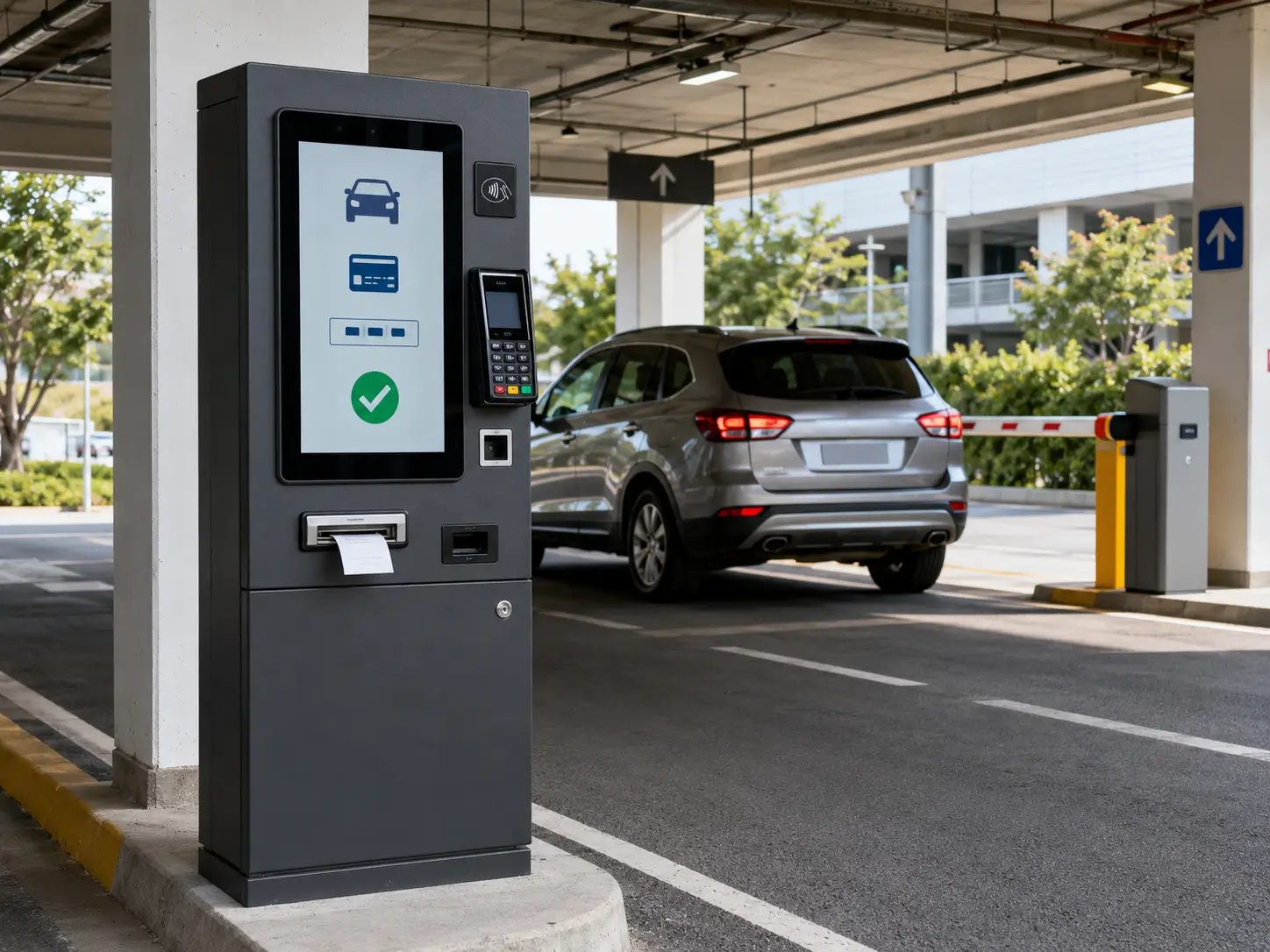
Parking & Payment Terminals
Print and present parking receipts, payment records and transaction tickets in unattended terminals where controlled document delivery helps keep the user outlet clear between transactions.
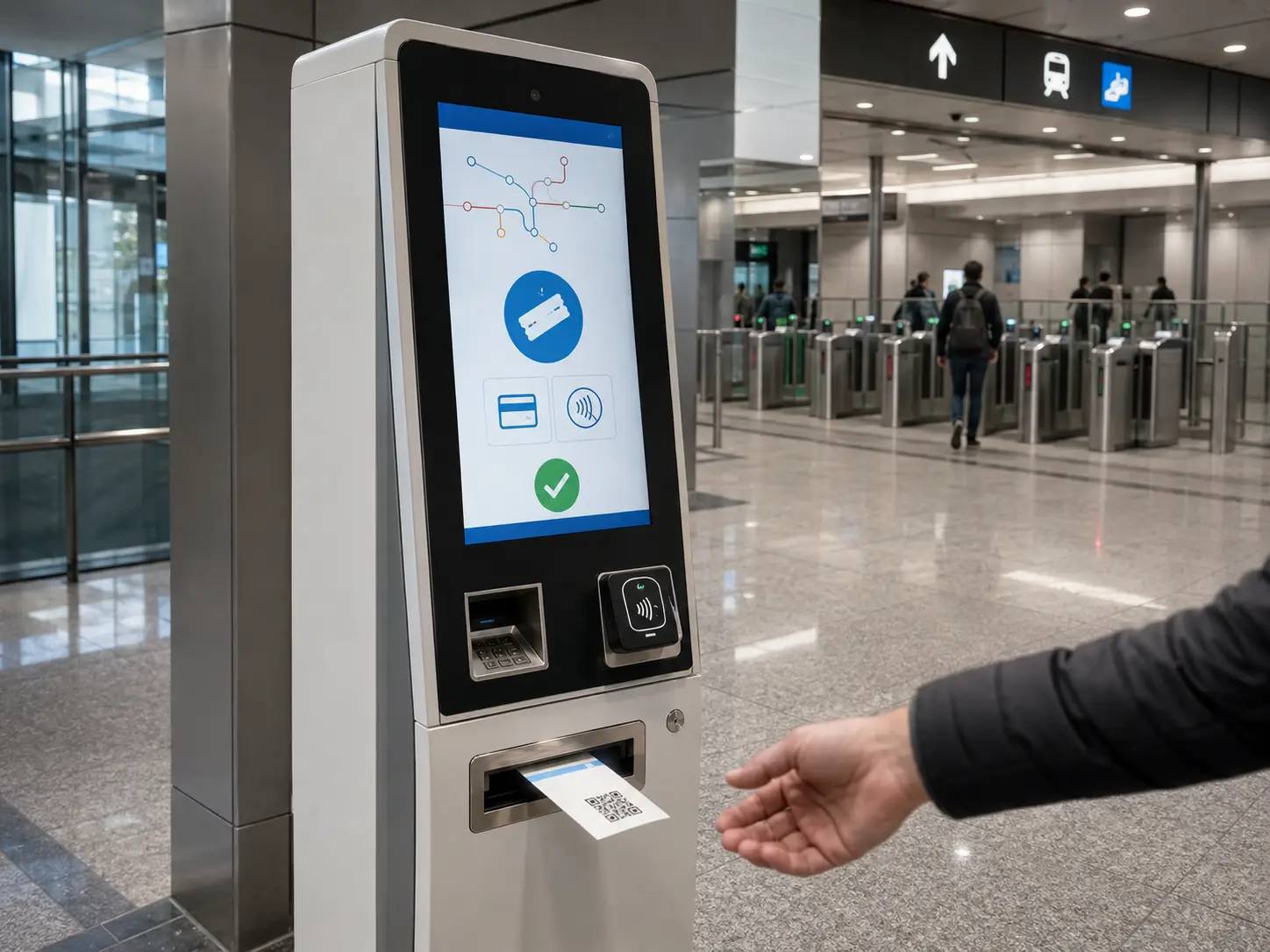
Ticketing & Transportation
Deliver printed tickets and travel documents through ticket vending machines and passenger self-service systems where the document should be completed before presentation.
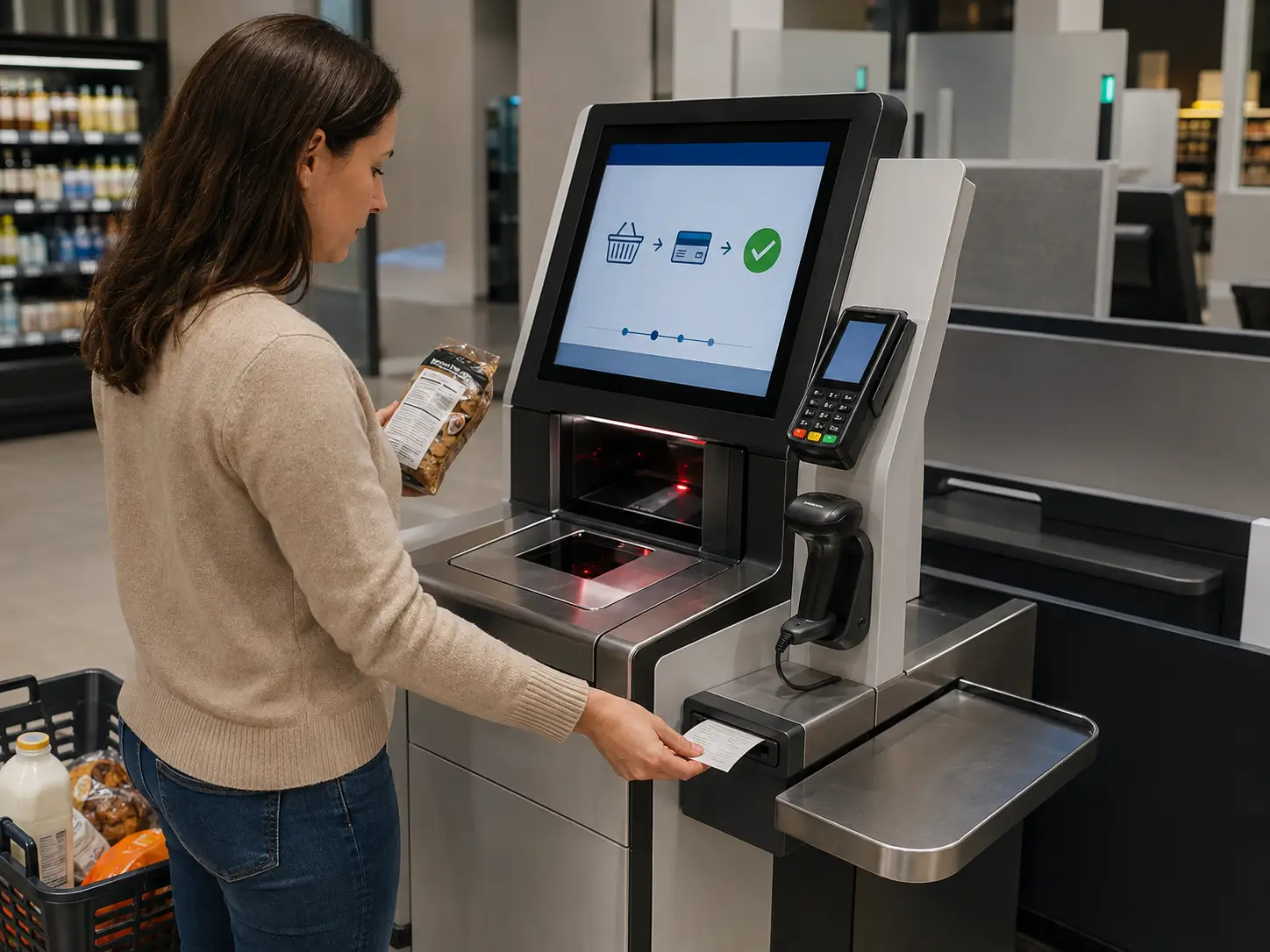
Retail Self-Checkout
Present transaction receipts through unattended checkout and self-payment systems when the kiosk requires controlled receipt delivery instead of simple direct paper output.
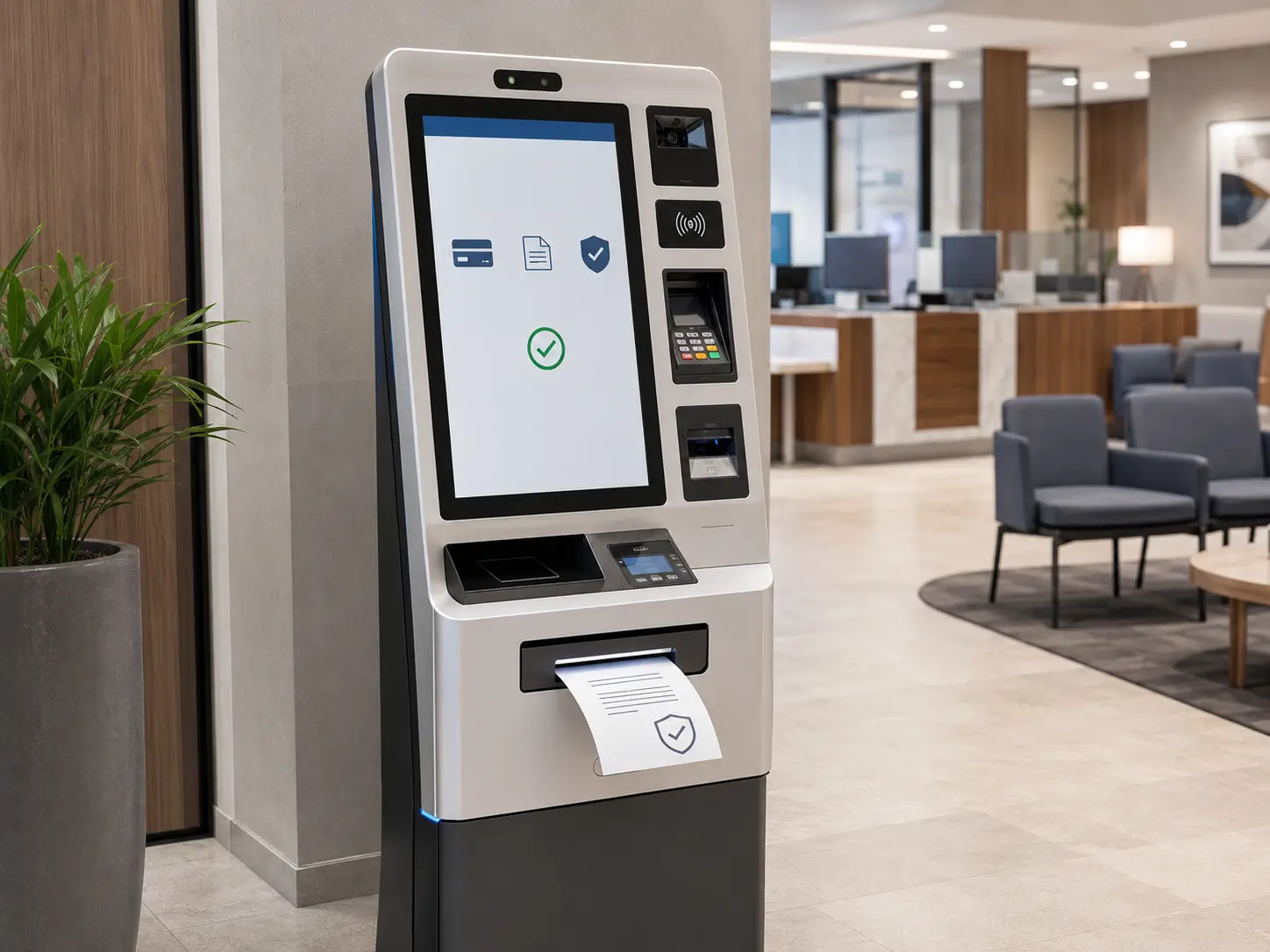
Healthcare Self-Service
Present queue tickets, registration slips and transaction receipts through patient self-service terminals where controlled document delivery is required.
ENGINEERING SUPPORT
Technical Resources for KP802-VX Integration
Use the available software and mechanical resources to verify communication, presenter functions, installation space and kiosk enclosure design before moving from prototype testing to volume production.
SDK / API
Development resources support application integration for printing, cutting, presenter control, retract handling and supported printer-status functions.
For application development
Communication Protocol
Command references support direct printer control, paper handling and supported status monitoring from the kiosk host application.
For device control
Test Tools
Use test utilities to verify communication, printing, cutting, presenter, retract and supported sensor functions during prototype development and troubleshooting.
For testing & debugging
3D Drawings
Mechanical drawings support installation-space evaluation, mounting design, presenter-outlet alignment, paper-roll positioning and kiosk enclosure development.
For mechanical integration
INTEGRATION FAQ
Frequently Asked Questions About SNR-KP802-VX
What is the presenter function on the SNR-KP802-VX?
The presenter controls final document delivery after printing and cutting are completed. It moves the finished receipt or ticket to the user collection position and holds it there for controlled pickup.
How is KP802-VX different from a standard direct-output kiosk printer?
The KP802-VX includes a presenter for controlled ticket delivery and supports a retract workflow for uncollected documents. A direct-output embedded printer feeds the receipt toward the cabinet outlet without the same presenter-based delivery sequence.
Can the KP802-VX retract an uncollected receipt?
Yes. The retract function can be used when a presented receipt or ticket remains uncollected, allowing the kiosk workflow to remove the document from the user outlet.
What paper widths does the KP802-VX support?
The standard specification supports approximately 79.5 ±0.5mm and 82.0 ±0.5mm thermal paper. Confirm the required paper specification before ordering, especially for projects using application-specific ticket media.
What paper thickness is supported?
The supported thermal media thickness is approximately 0.06–0.20mm. Actual media should be tested during prototype integration when using thick, coated or non-standard ticket stock.
Why should minimum ticket length be tested?
Very short documents provide less paper for the cutter, transport mechanism and presenter to control. The practical minimum ticket length therefore depends on the printer configuration, media and required delivery workflow. Testing the actual ticket format before volume production is recommended.
What communication interfaces are available?
The SNR-KP802-VX supports RS232C and USB 2.0. The final interface and software-control method should be selected according to the host operating system and kiosk application architecture.
What resources are available for integration?
Communication protocol documentation, SDK/API resources, test tools and 3D mechanical drawings are available to support application development, prototype testing, mounting verification and kiosk enclosure design.
RELATED PRODUCTS
Explore Other Kiosk Printer Options
Compare other SNROKIOSK printer models according to paper-delivery workflow, media type and installation requirements.

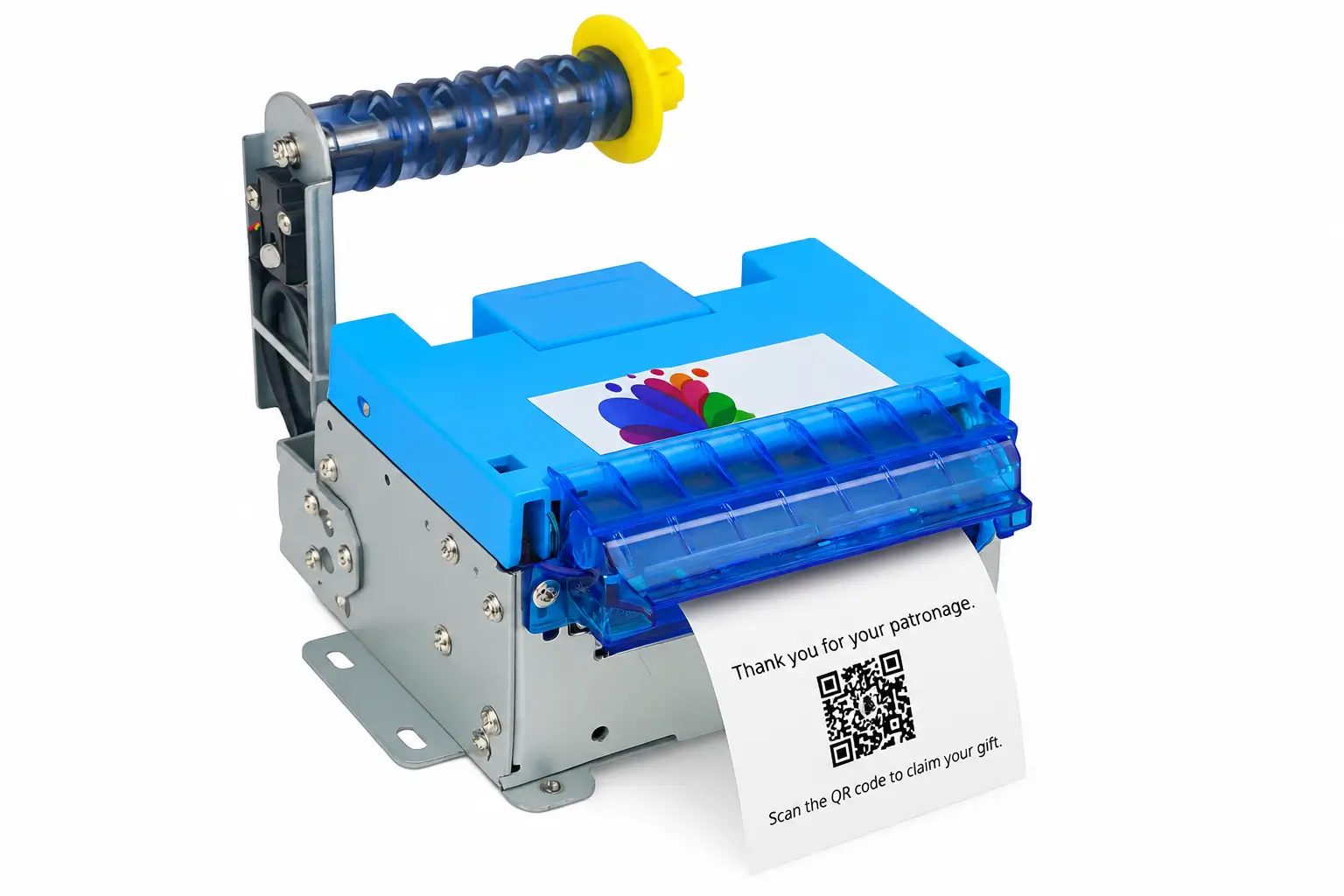
SNR-KP800-VX 80mm Kiosk Thermal Printer
Embedded 80mm printer for kiosk applications requiring high-speed receipt or ticket printing without a presenter-based delivery mechanism.
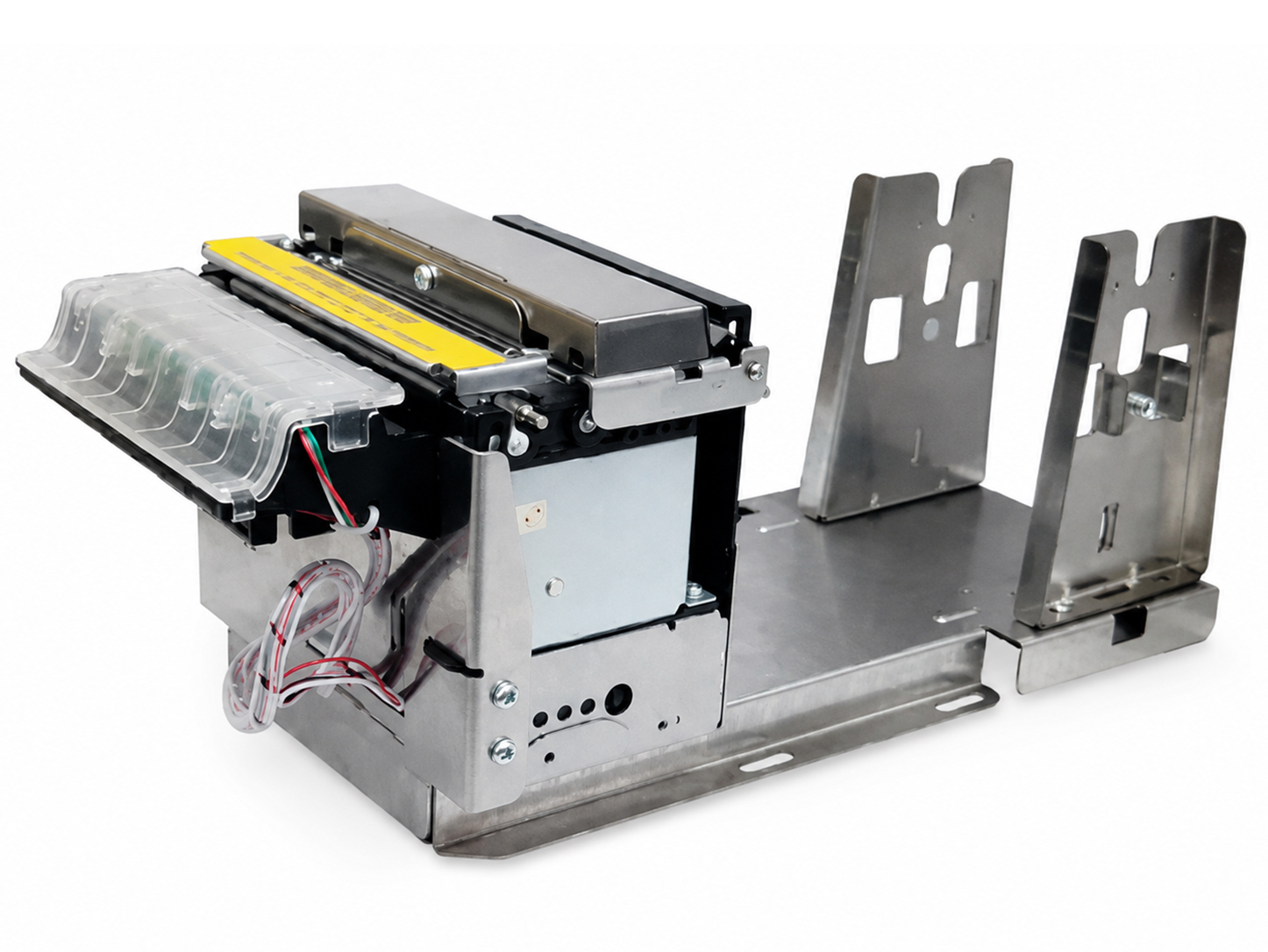
SNR-KP805 Kiosk Thermal Printer
Cost-effective embedded printer for standard unattended receipt and ticket printing where a simpler paper-handling structure is preferred.
SNR-KP83H Fan-fold Thermal Ticket Printer
Fan-fold ticket printer for projects using pre-defined or thicker ticket media instead of standard roll-paper receipt handling.
PROJECT SUPPORT
Planning to Integrate the SNR-KP802-VX?
Send us your receipt or ticket size, paper specification, presenter and retract workflow, host platform, communication interface, paper-roll requirement and available installation space. We can help evaluate the KP802-VX mounting, paper path and control architecture before prototype production.
SDK/API · Communication Protocol · Test Tools · 3D Drawings Available
